Integrations overview
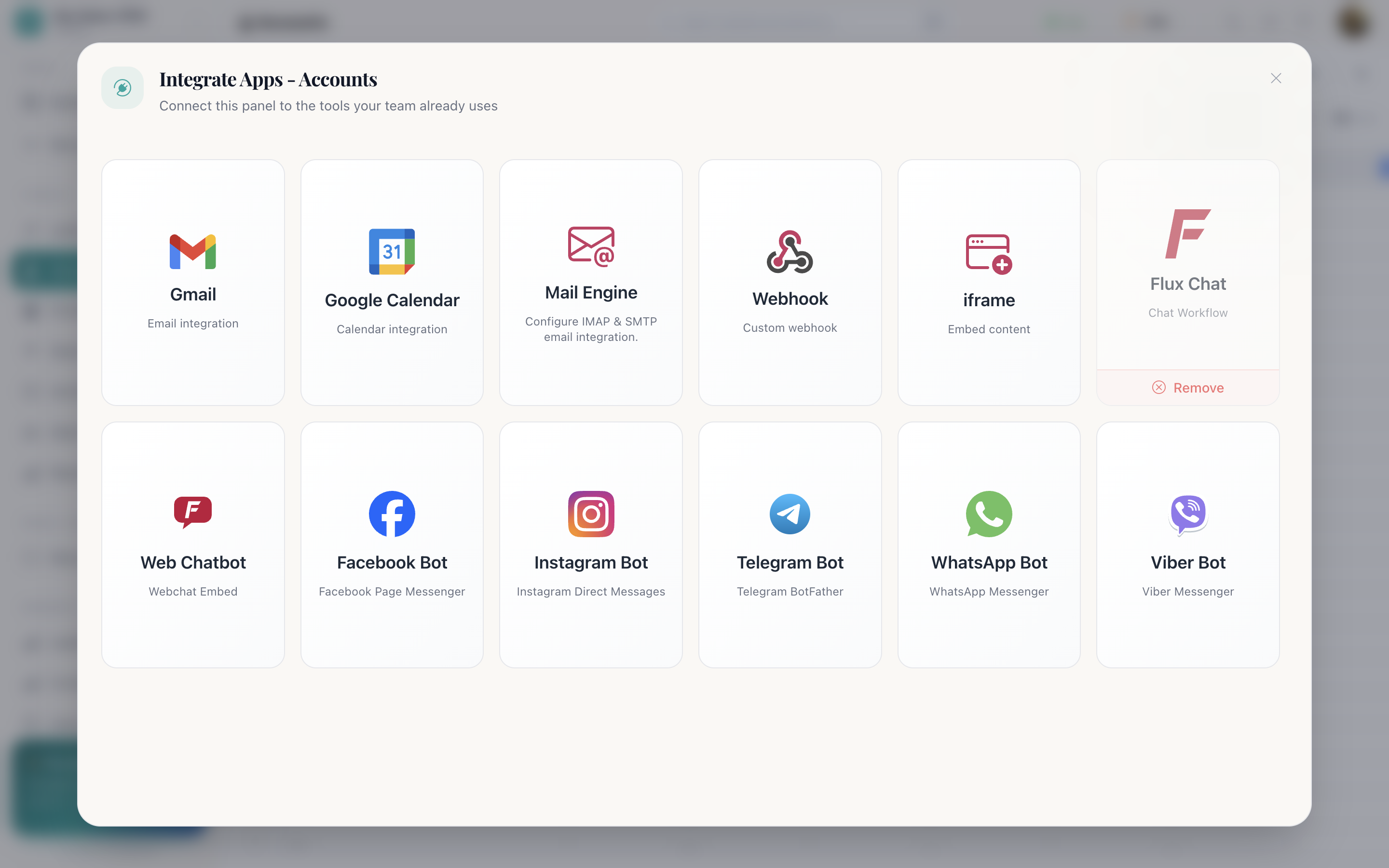
Integrations are connected per panel, from the panel toolbar's Integrate button. The panel that needs the mailbox is the panel you connect it to.
Everything you can connect
| Integration | What it does |
|---|---|
| Gmail | Sends and receives mail on the panel's records |
| Google Calendar | Meeting scheduling from the record view |
| Gmail + Calendar | Both at once, and the ability to book Google Meet events |
| Mail Engine | Your own mailbox over IMAP (incoming) and SMTP (outgoing): beta |
| Web Chatbot | An embeddable chat widget for your site |
| Page messages into a Social Chats panel | |
| Direct messages into a Social Chats panel | |
| Telegram | Bot conversations into a Social Chats panel |
| Business messages into a Social Chats panel | |
| Viber | Bot conversations into a Social Chats panel |
| Flux Chat | The bot workflow running behind any of those channels |
| Webhook | Posts panel changes out to a URL you own |
| Embed content | Puts another app (a dialler, a window) inside Cognify in an iframe |
Why per panel
A support desk and a sales pipeline want different mailboxes. Connecting at the panel
level means support@ replies from tickets and sales@ replies
from deals, without either team configuring anything global.
It also means access follows the panel. Someone with no access to the Tickets panel cannot send mail from the support mailbox.
Permissions
Connecting, changing or removing an integration needs Can use Integration on your role. Recipes in the automation marketplace that depend on an integration stay unavailable until it is connected. They say which one they need.
Removing one
Open it in the same dialog → Remove. Records that arrived through it stay; only the connection goes.
Where to go next
Email and calendar
Gmail, Mail Engine over IMAP/SMTP, and booking meetings from a record.
Chat channels
Web chat and the five social channels, with Flux behind them.
Webhooks and embeds
Sending panel changes out to your own systems, and embedding another app.