Projects and tasks
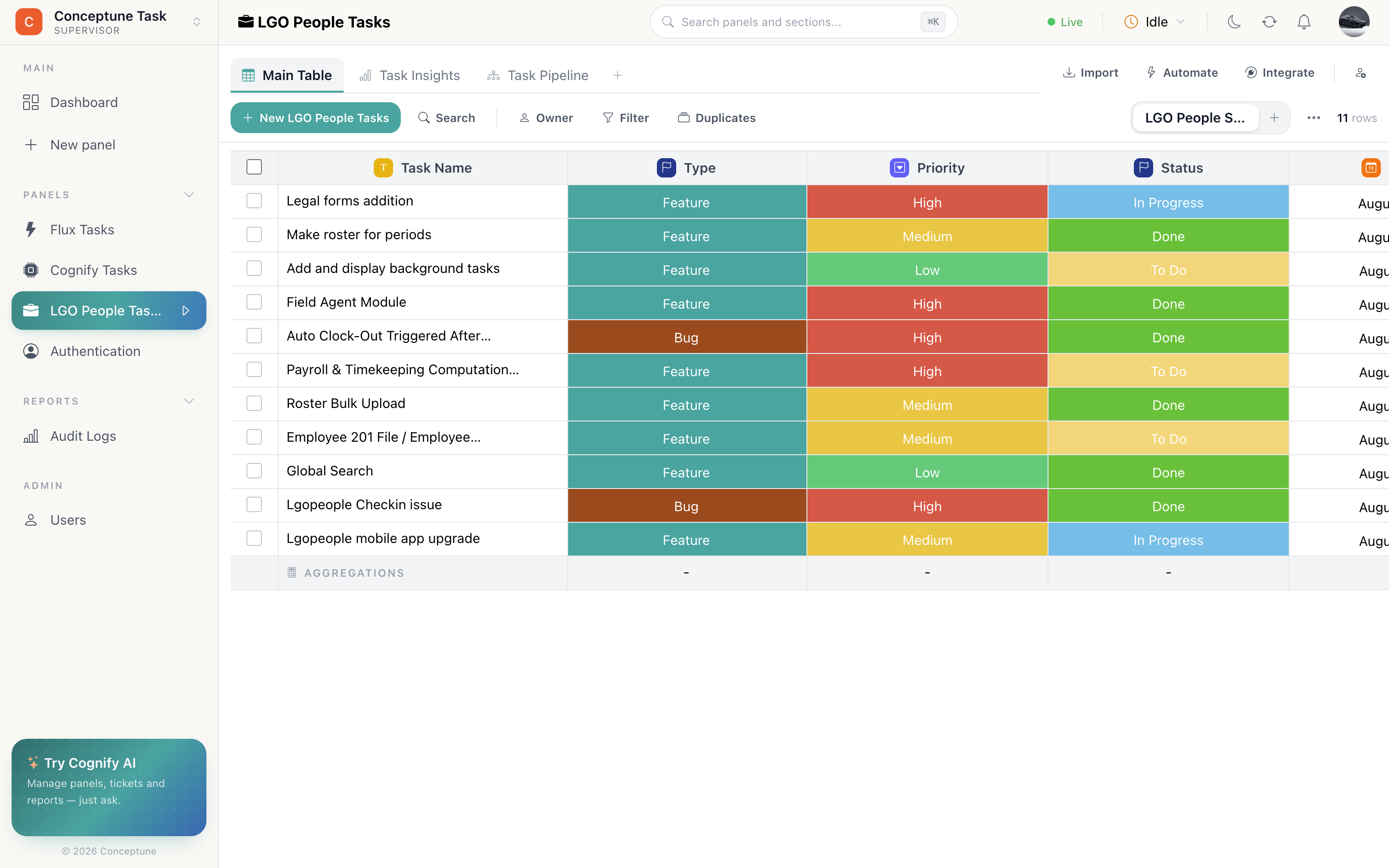
Cognify makes a capable project and task tracker: tasks with owners and due dates, linked to their parent project, on a board per stage, and the same automations and reporting as everything else.
The panels
| Panel | Type | Holds |
|---|---|---|
| Projects | Standard | One row per project, with a client, an owner and a target date |
| Tasks | Standard | One row per piece of work, connected to its project |
For a small team, one Tasks panel with a project dropdown is enough. Split into two panels once projects need their own fields, owners and reporting.
Columns for Tasks
- Owner: who is doing it.
- Status: To do, In progress, In review, Blocked, Done. These become the board's lanes.
- Dropdown, the priority: low, medium, high, urgent.
- Date: due date.
- Date Time: started-at and completed-at, stamped by automations.
- Connect → Projects, which project this belongs to.
- Connect → Tasks, blocked-by, pointing at another task in the same panel.
- Number: estimate, with sum aggregation so a section footer shows the total effort in a sprint.
- Checkbox: a simple done flag, if you prefer it to a status.
- Bucket, attachments: specs, designs, screenshots.
The board
Add a Pipeline tab on the status column. Standing meetings run off this, one lane per stage, drag a card as work moves, and the owner filter narrows it to one person.
Sprints and phases
Use sections for time boxes: one per sprint, or one per project phase. Rows live in exactly one, the switcher remembers where you were, and each section's footer gives you that sprint's totals.
At the end of a sprint, select what is unfinished and move to another section: a two-click carry-over.
The automations
a row is created → set status to something
Every new task starts in To do.
a row is created → assign creator as owner
Whoever writes the task owns it until someone else picks it up.
status changes to something → set datetime to now
Stamp started-at and completed-at, which is what makes cycle-time charts possible.
status changes to something → notify owner
Tell the owner when their task is moved to Blocked by someone else.
owner changes → notify owner
Nobody discovers a reassignment by accident.
Reporting
Add a Graphs tab to Tasks and build:
- A bar chart on status. The shape of the work right now.
- A doughnut on owner, how load is distributed.
- A text widget on estimate with sum: total committed effort.
- A line chart on completed-at, throughput over time.
Where tasks come from
Public form
An internal request form (IT, facilities, design) arriving as a task.
Routing from another panel
A ticket that turns out to be a bug moves into Tasks through a Mapping column.
A request to a connected mailbox opens a task on the panel.
Typed in
Straight into the table, which is still the fastest way for a standing meeting.
Who sees what
Give contractors or clients a role with Must view only its own Panel Data and access to just the Tasks panel. They see their own work and nothing else, no other projects, no other panels.