User groups and shifts
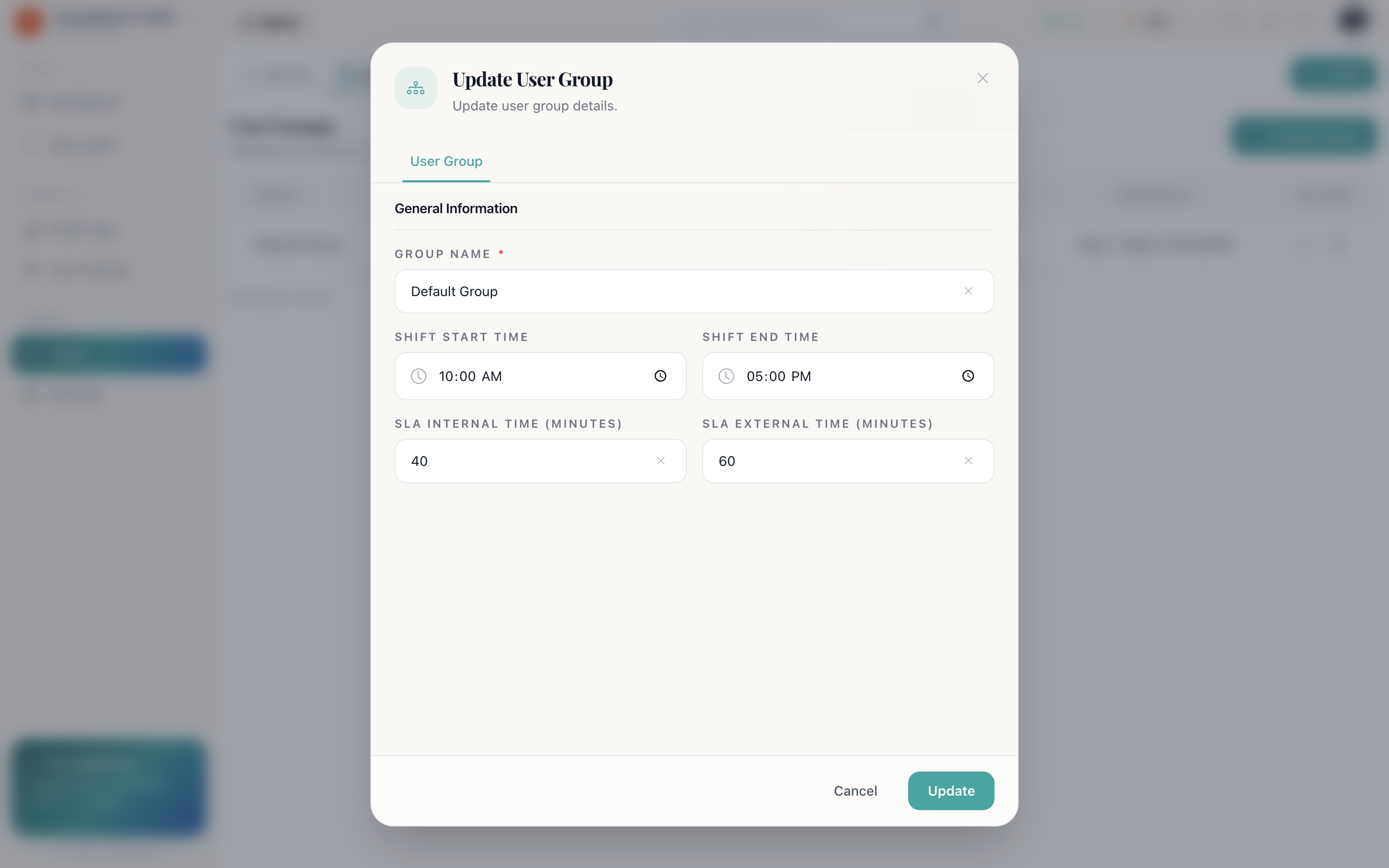
A user group is a team with a shift window and its own SLA targets. Groups are how shift-based desks and their promises are expressed.
What a group carries
| Field | What it is for |
|---|---|
| Group name | What the team is called: Day shift, APAC, Tier 2 |
| Shift start | When the team comes on |
| Shift end | When it goes off |
| SLA Internal | The team's own warning line, in minutes |
| SLA External | What customers were promised for this team, in minutes |
Why shifts matter
Two reasons, both practical:
- Assignment goes to people who are working. Round-robin (auto assign as owner) is far more useful when it knows who is on shift, so tickets do not land with someone who left four hours ago.
- Targets differ by team. An overnight skeleton crew cannot be held to the same response time as the full day team. Group-level SLA settings say so explicitly.
Groups, categories and SLA
SLA targets exist in two places, and it is worth being clear about which is which:
On the category
What this kind of request is promised. A billing question and an outage are not the same urgency.
On the group
What this team, in these hours can commit to.
See Ticketing and support for how the clock uses them.
Availability and groups
A group says when a team is scheduled; availability says whether a person is actually free right now. Both feed assignment. Someone on shift but marked Unavailable stays out of the rotation, see The console.
Setting one up
- Users → User Group → new.
- Give it a name.
- Set shift start and shift end.
- Set SLA internal and external, in minutes.
- Save, then assign members to it: from here, or from each member's edit dialog.
How do I…
Set up a shift and its targets: Users → User Group → new → group name, shift start and end, SLA internal and external in minutes → save → assign members.
Move someone between shifts: Users → Members → edit the member → pick the new group.
Keep someone out of the rotation temporarily: Have them set their availability to Unavailable rather than changing their group.