Keyboard shortcuts
Cognify is built to be driven from the keyboard. Command search is the one to learn first, most of the rest of the console is reachable through it.
Command search
| Shortcut | Does |
|---|---|
| ⌘K / Ctrl+K | Open command search from anywhere |
| ↑ ↓ | Move through the results |
| Enter | Open the highlighted result, or run the highlighted action |
| Esc | Close without going anywhere |
Search ranks panels, sections, tabs, pages and members alongside actions, so it is a launcher as much as a search box.
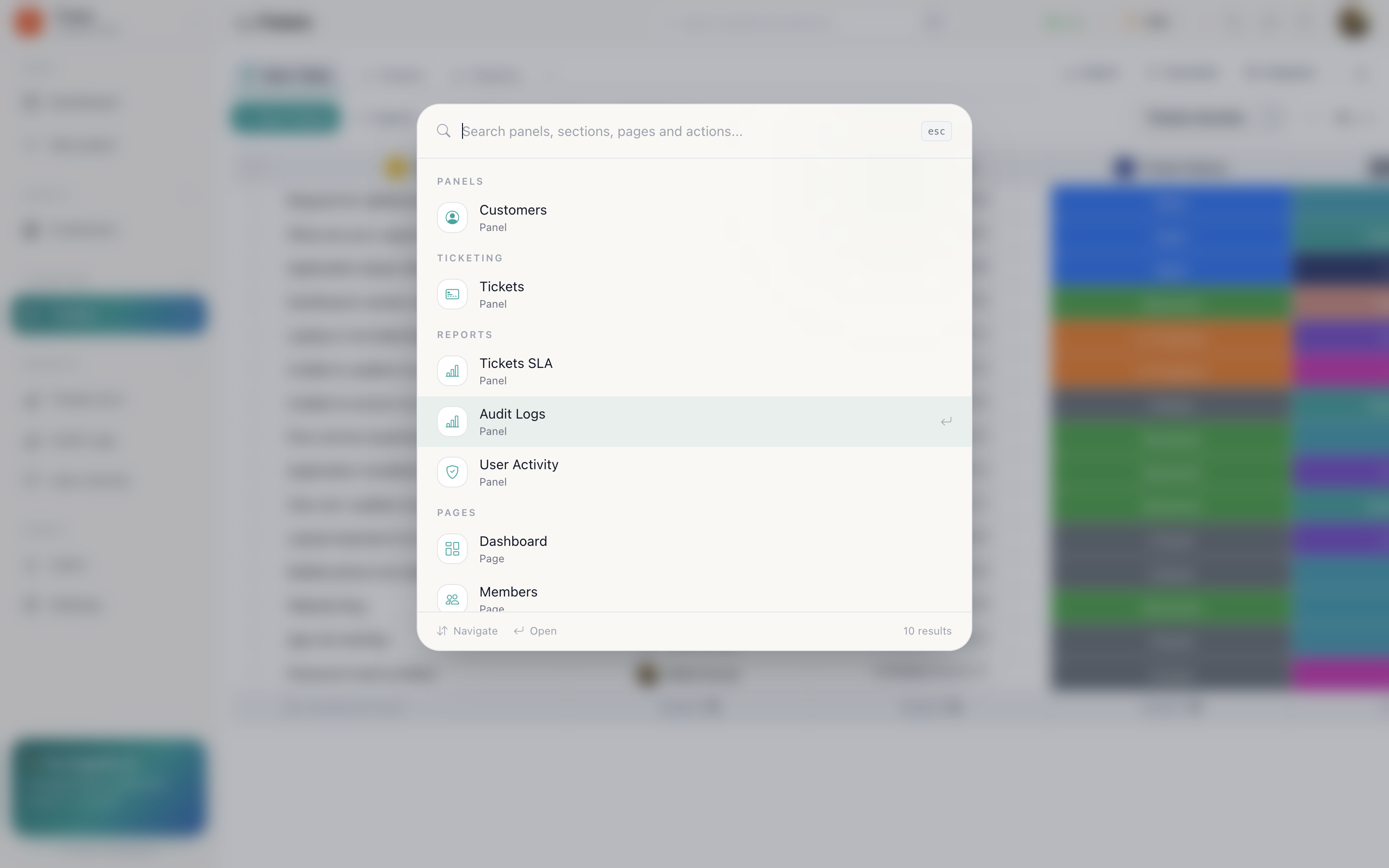
Actions you can run from search
- Notifications
- Background tasks
- Theme
- Switch workspace
- Sign out
Type what you want rather than remembering where it lives, “dark” changes the theme, “tasks” opens background tasks.
Recent
Command search opens with Recent, the places you have been. Getting back to yesterday's panel is usually ⌘K then Enter.
In the table
| Key | Does |
|---|---|
| Enter | Commit the cell you are editing |
| Esc | Abandon the edit and leave the value as it was |
| Tab | Move to the next cell |
In this documentation
| Key | Does |
|---|---|
| / | Focus the docs search box |
| ↑ ↓ | Move through the results |
| Enter | Open the highlighted page |
| Esc | Close the results |
If you teach a new team member one thing, make it ⌘K. It removes most of the
navigating, and it is the same key whether they are three panels deep or on the
dashboard.