Members and invites
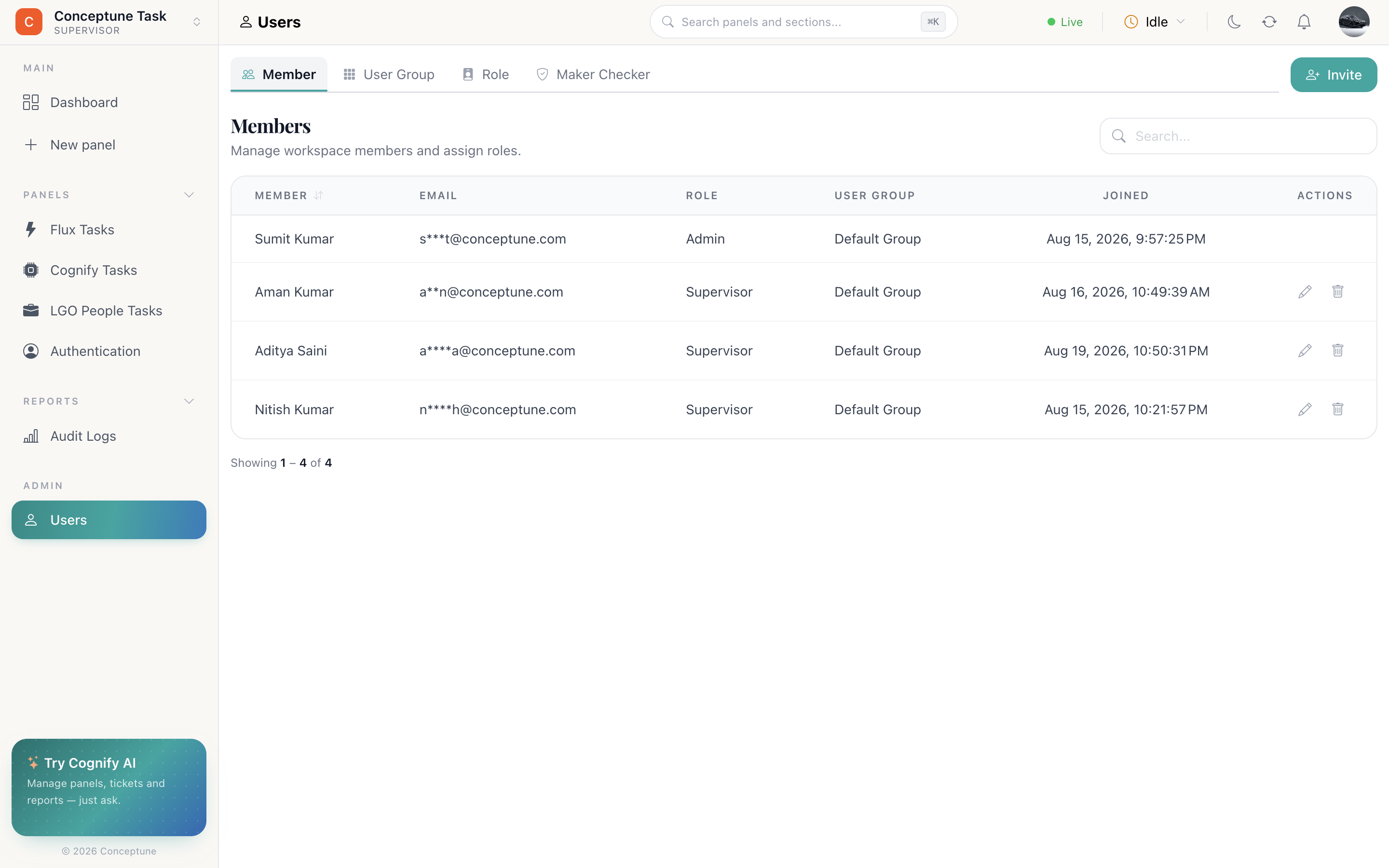
The Users module has four tabs — Member, Role, User Group and Maker Checker. This page covers the first: getting people into the workspace and giving them the right starting point.
The Member tab
Everyone in the workspace, with their email, role, user group and join date. Edit a member to change their role or group; remove one to revoke access entirely.
Inviting people
- Users → Members → invite.
- Paste one or more addresses, comma-separated:
name@example.com, other@example.com. - Pick a Role — what they may do.
- Pick a User Group — which team and shift they belong to.
- Add a note, if you want the invitation to say something.
- Invite.
You can keep inviting from the confirmation screen, which makes onboarding a whole team a single sitting.
Two decisions per person
Role
What they can do — create panels, delete rows, manage users, or only ever see records they own. See Roles and permissions.
User group
Which team and shift they work, and which SLA targets apply to them. See User groups and shifts.
There is a third, separate from both: panel access. A role says what a person may do; panel access says which panels they may open at all. Set it from the panel toolbar — see Panels.
Removing someone
Removing a member revokes their access immediately. Their history stays — activity they created remains on the records, though it will show as User once they are no longer in the workspace.
When maker checker is on
If Maker Checker is switched on, invitations, role changes and group changes queue for approval rather than taking effect straight away. The requester sees it as pending; a reviewer approves or rejects it.
How do I…
Invite someone — Users → Members → invite → paste addresses → pick a Role and a Group → add a note → Invite.
Change someone's role — Users → Members → edit the member → pick the new role.
Limit someone to their own records — Give their role Must view only its own Panel Data.
Stop someone seeing a panel entirely — Panel toolbar → Panel access → toggle them out.
Remove someone — Users → Members → remove. Reassign their rows first.